Home and daily use
Screenshots of version 0.6.0, running on a new instance with the sample items from the repository. The people in them are sample accounts, and the usage counts are simulated. The identity provider and the security scanner in them are stand-ins made for tests.
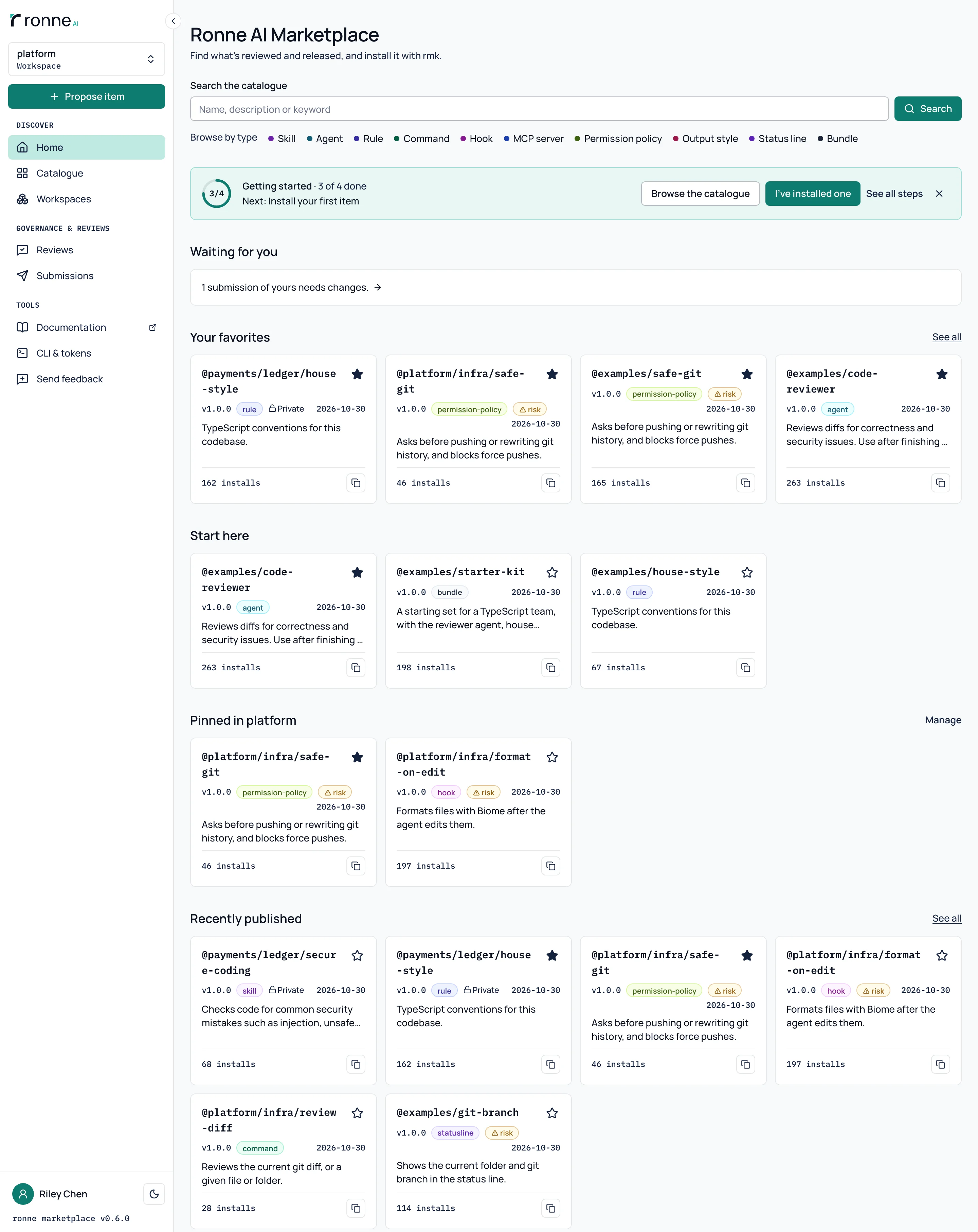
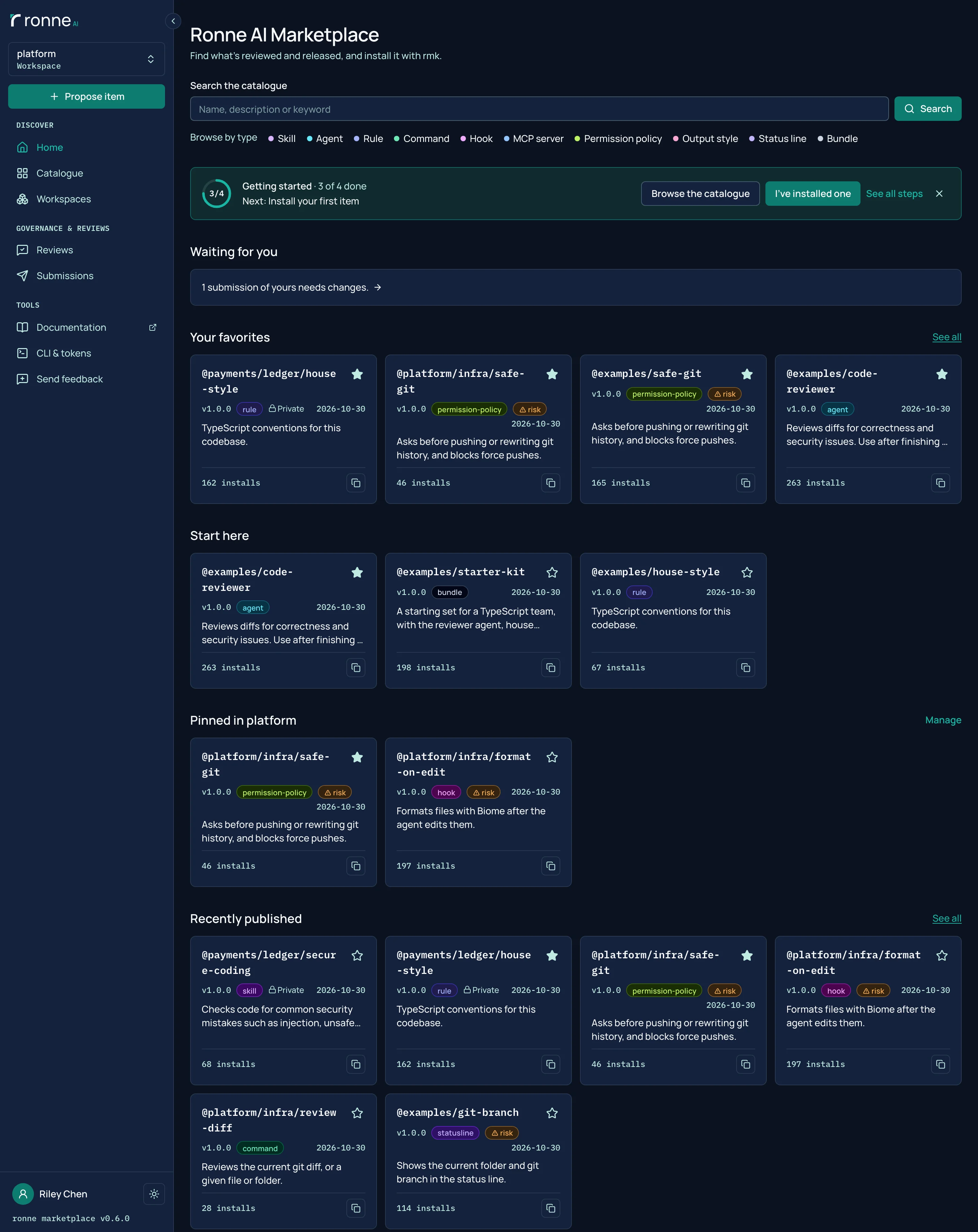
Home, favorites and pins
Home starts with a search box, then what waits for you, your favorites, the items root pinned as Start here and the items pinned for your workspace, and what was published lately. New people also see a Getting started row with three steps: create a token, connect rmk and install an item.
Send feedback from any page
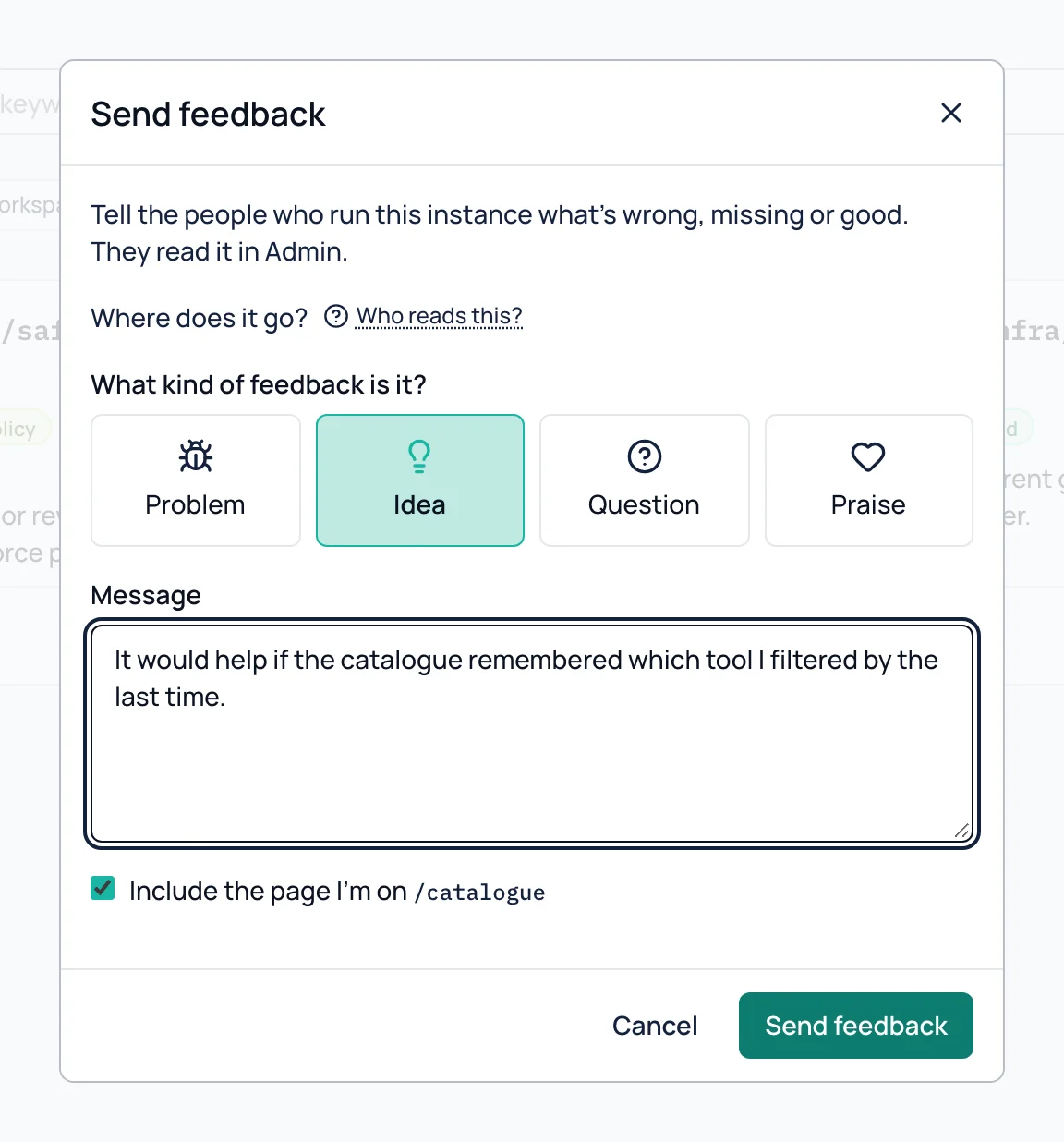
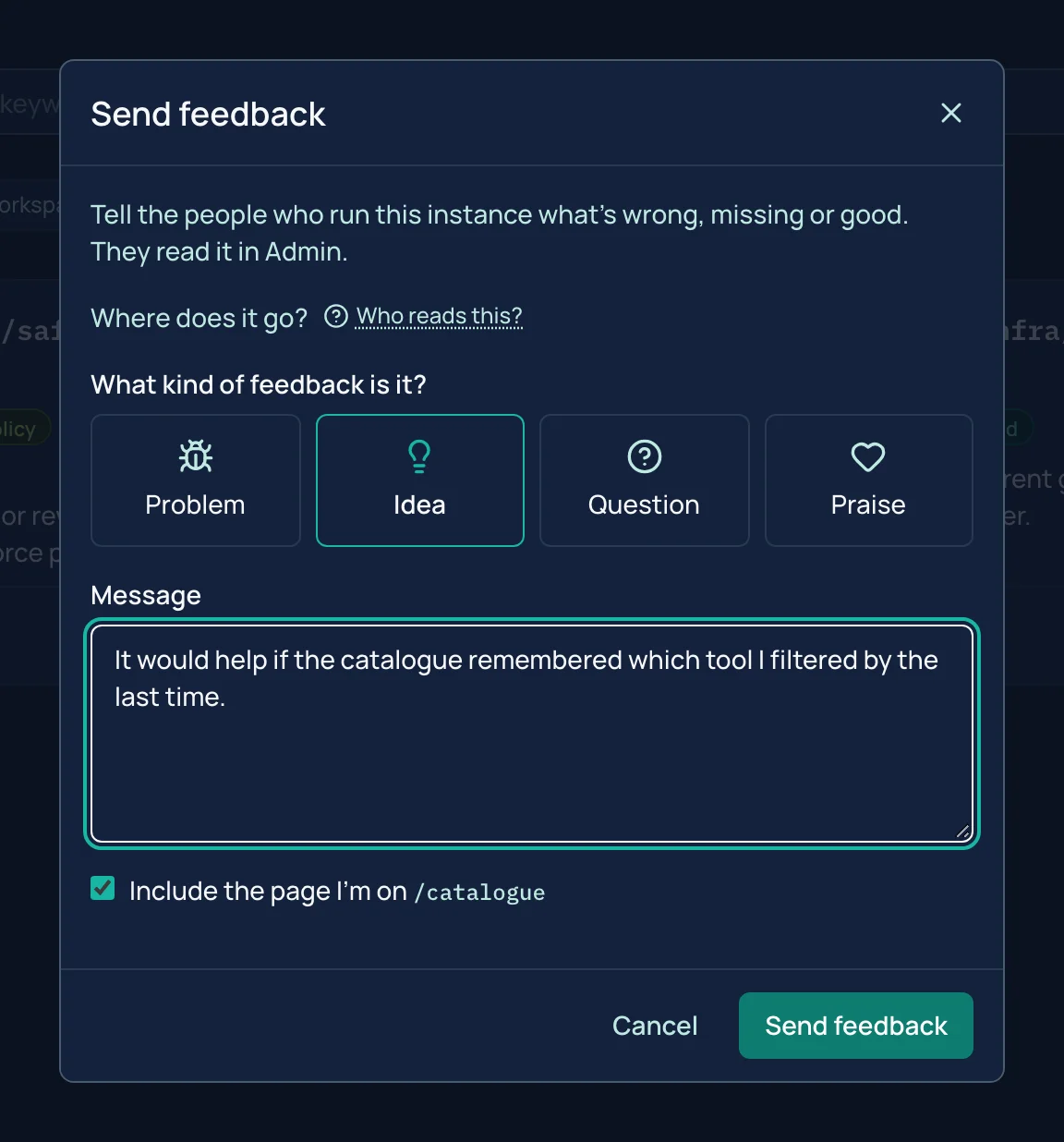
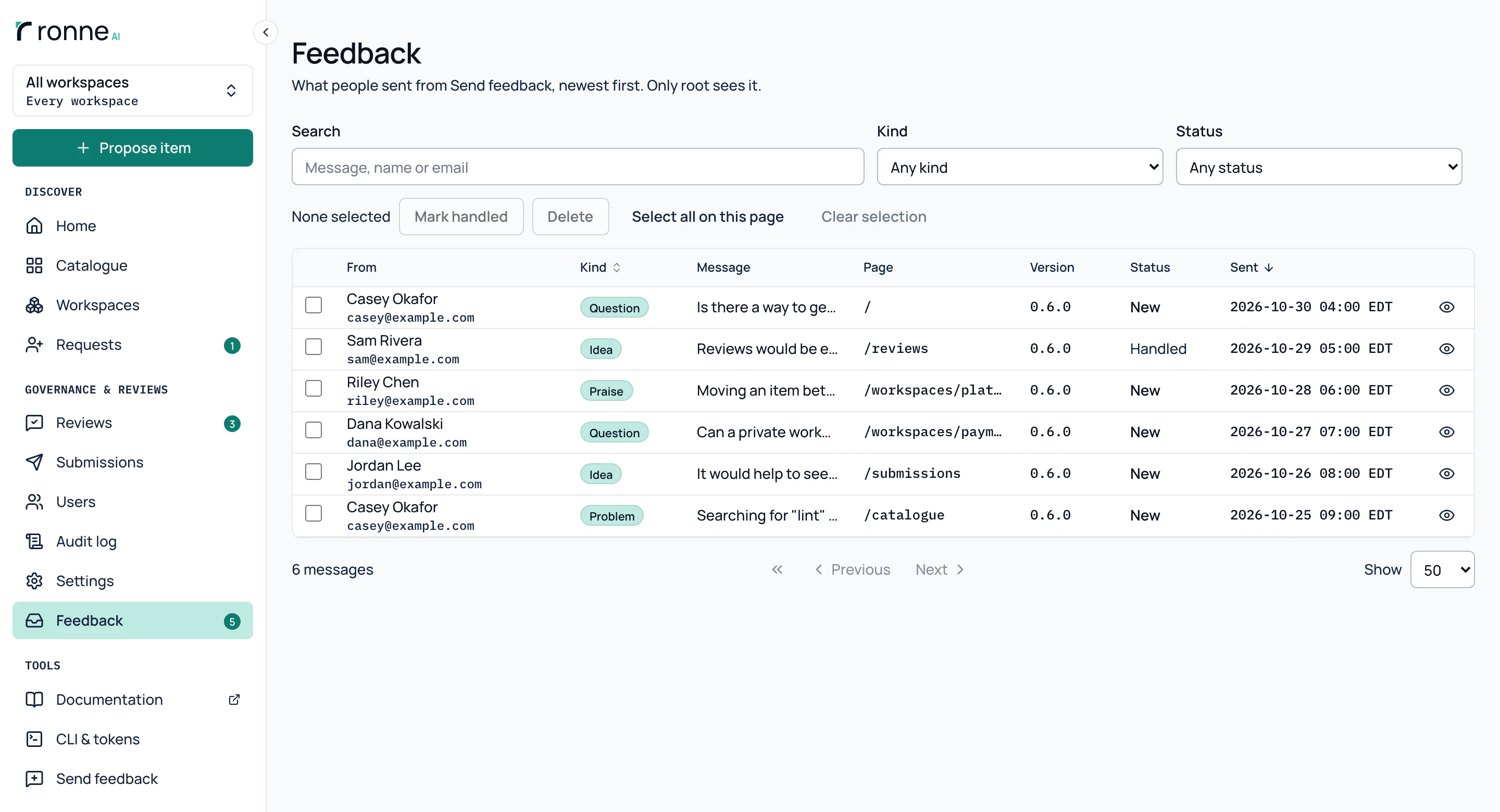
Send feedback, in the sidebar, opens a dialog with four kinds (Problem, Idea, Question, Praise), a message and a box to include the page you are on. Nothing else is sent but the app's version, and it goes to this instance's administrators only.
Send feedback to the people who run the instance
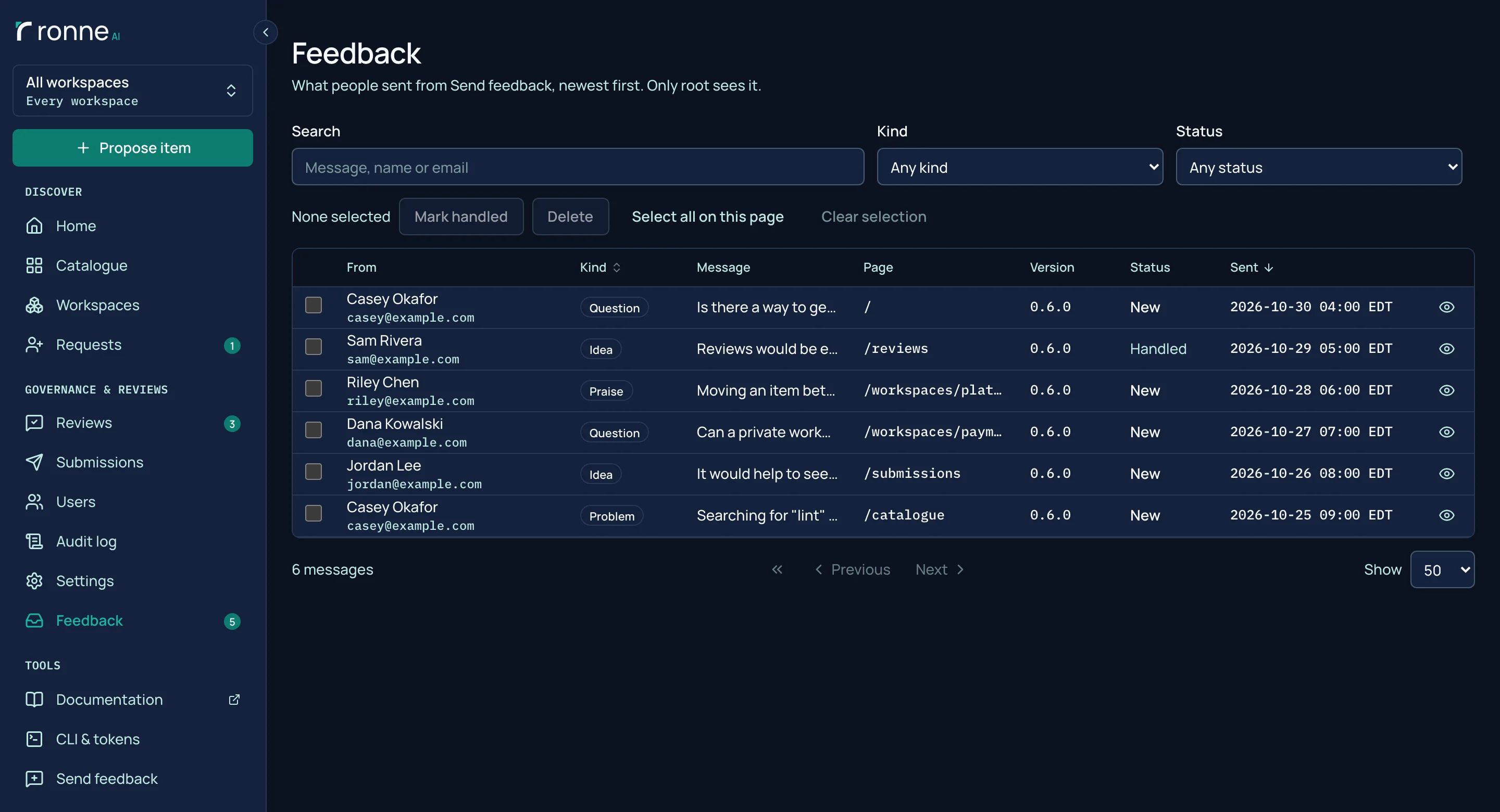
Anyone with an account can send a problem, an idea, a question or some praise from the page they are on. It goes to the instance's administrators only. Root reads it in Admin › Feedback, filters it by kind and marks it handled.
English, Portuguese and French
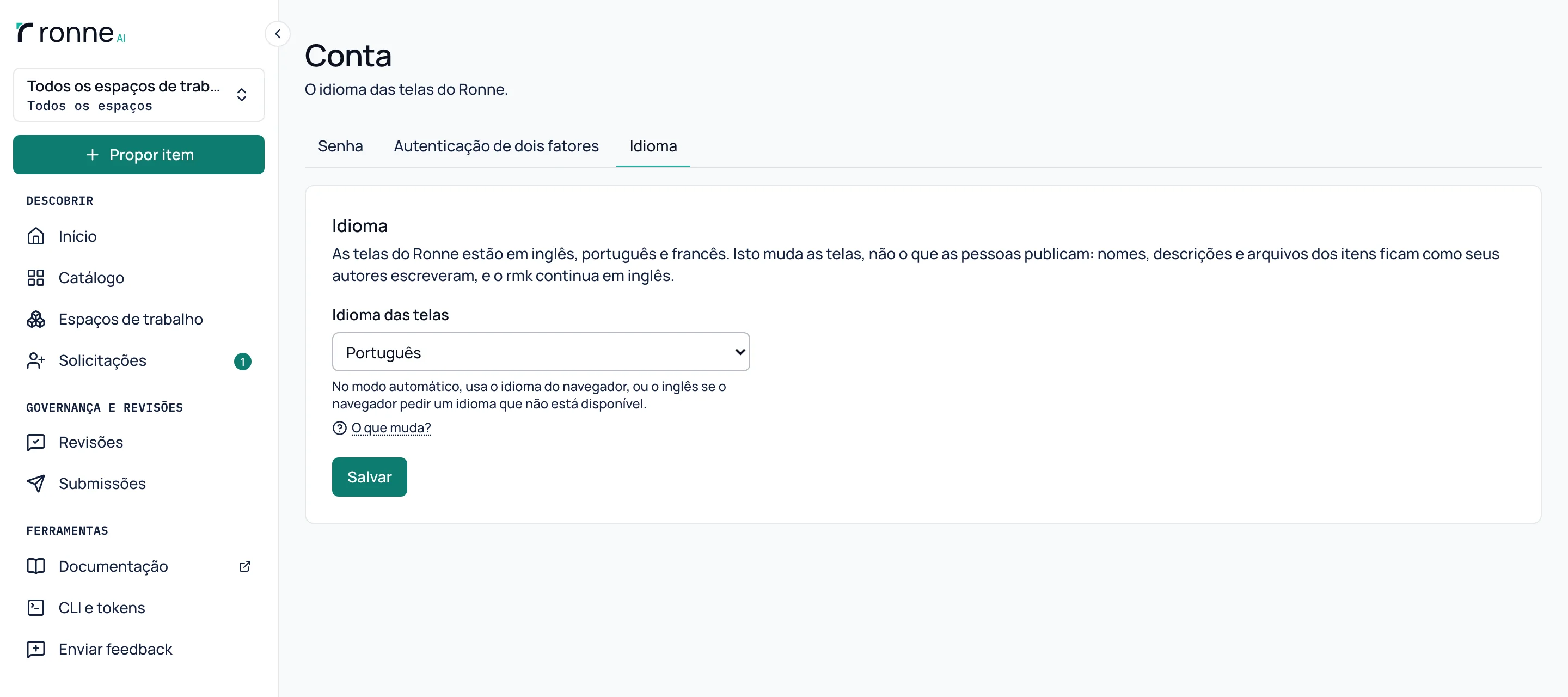
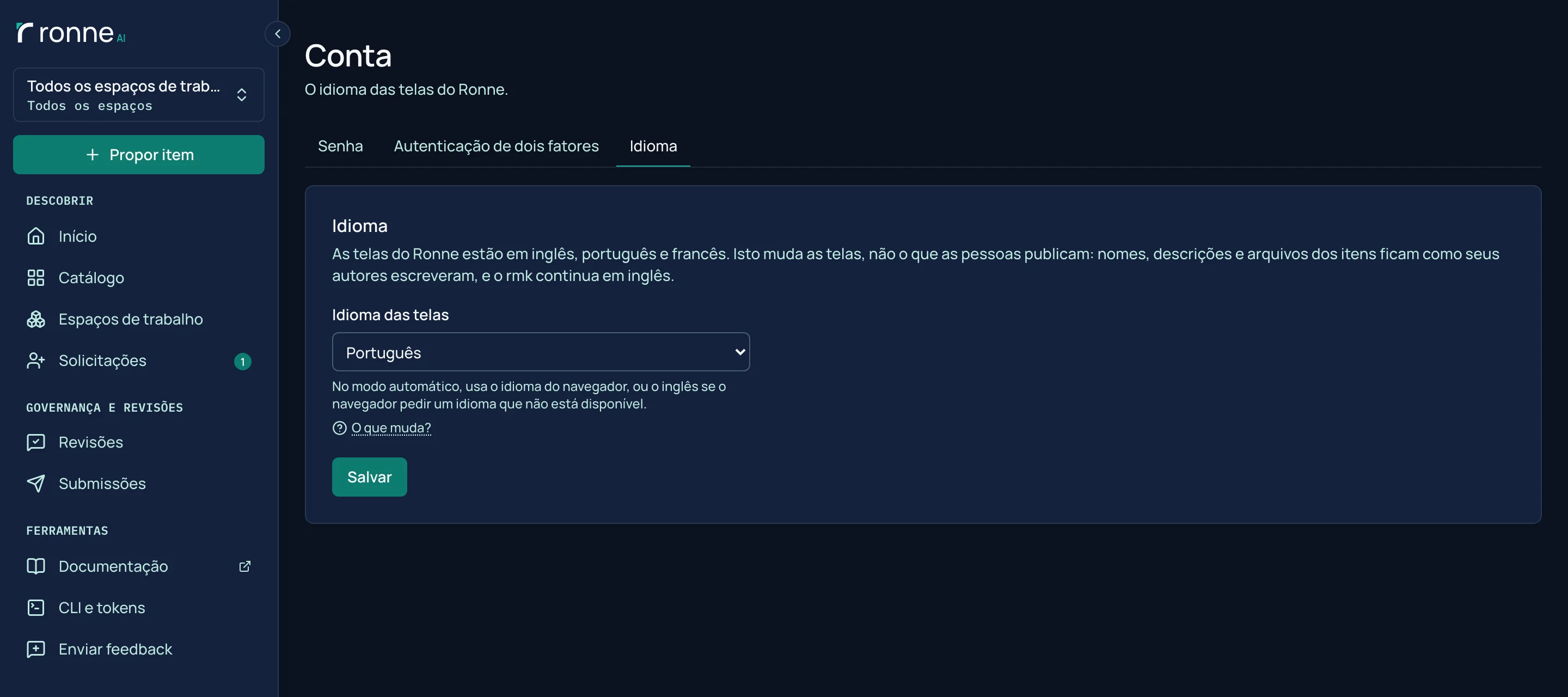
Every screen of the web app comes in English, Brazilian Portuguese and Canadian French. People choose on their Account page, or leave it on Automatic to follow the browser. Item names and descriptions, rmk and the API stay in English.
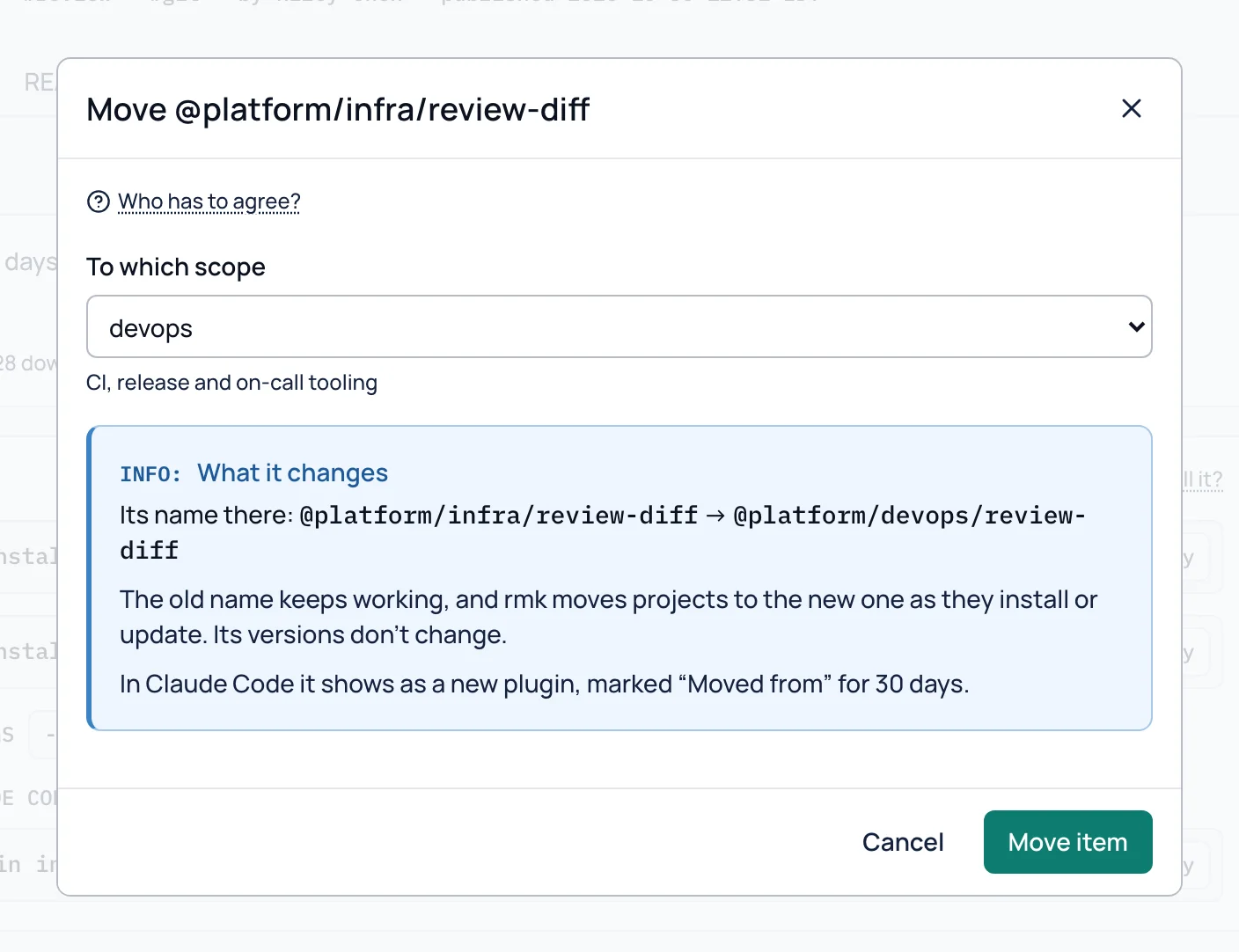
Move an item to another scope
An item can move to another scope of its workspace. Root and the workspace's moderators and admins move it at once, and other members ask. The versions stay as they are, and the old name keeps working as an alias.
Want to try it? Run the Docker image, or read the code.