Workspaces
Screenshots of version 0.5.0, running on a new instance with the sample items from the repository. The people in them are sample accounts, and the usage counts are simulated. The identity provider in them is a stand-in made for tests.
Workspaces
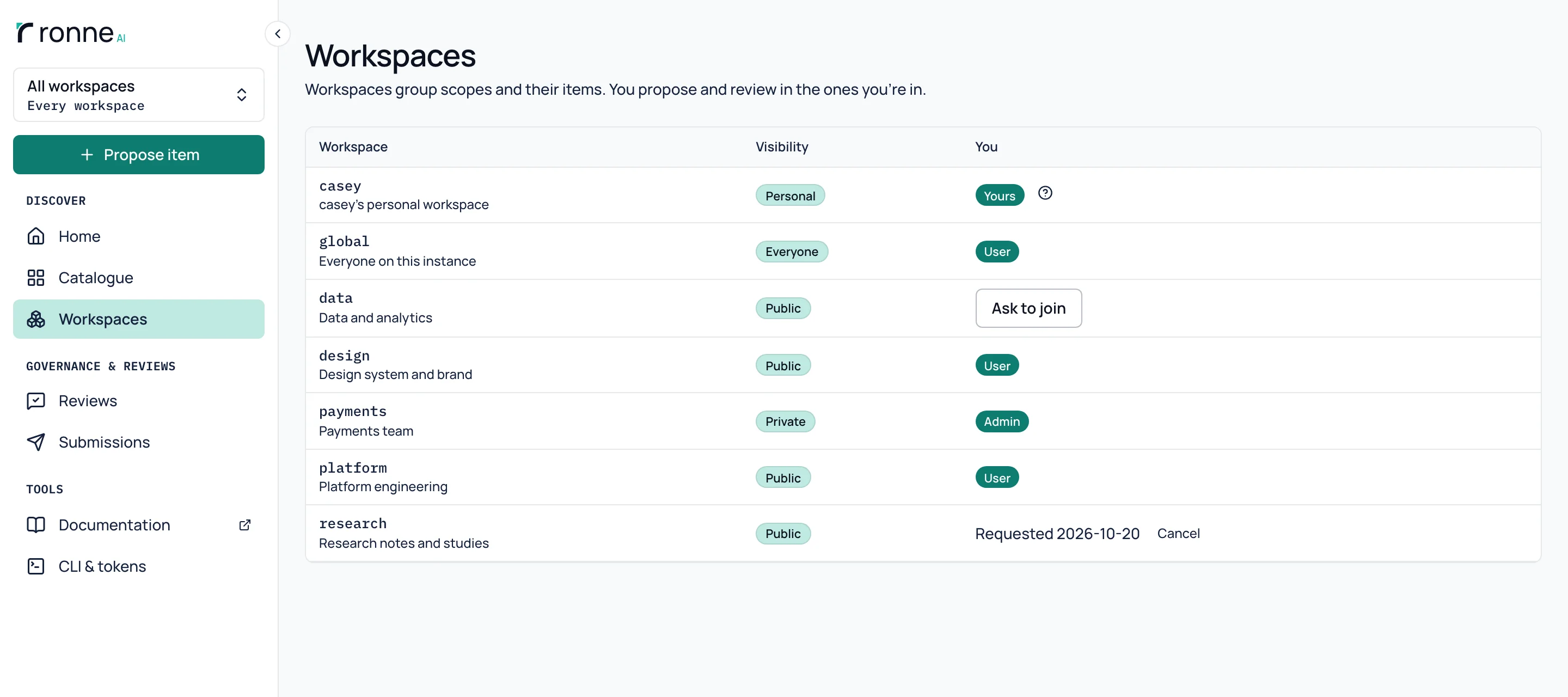
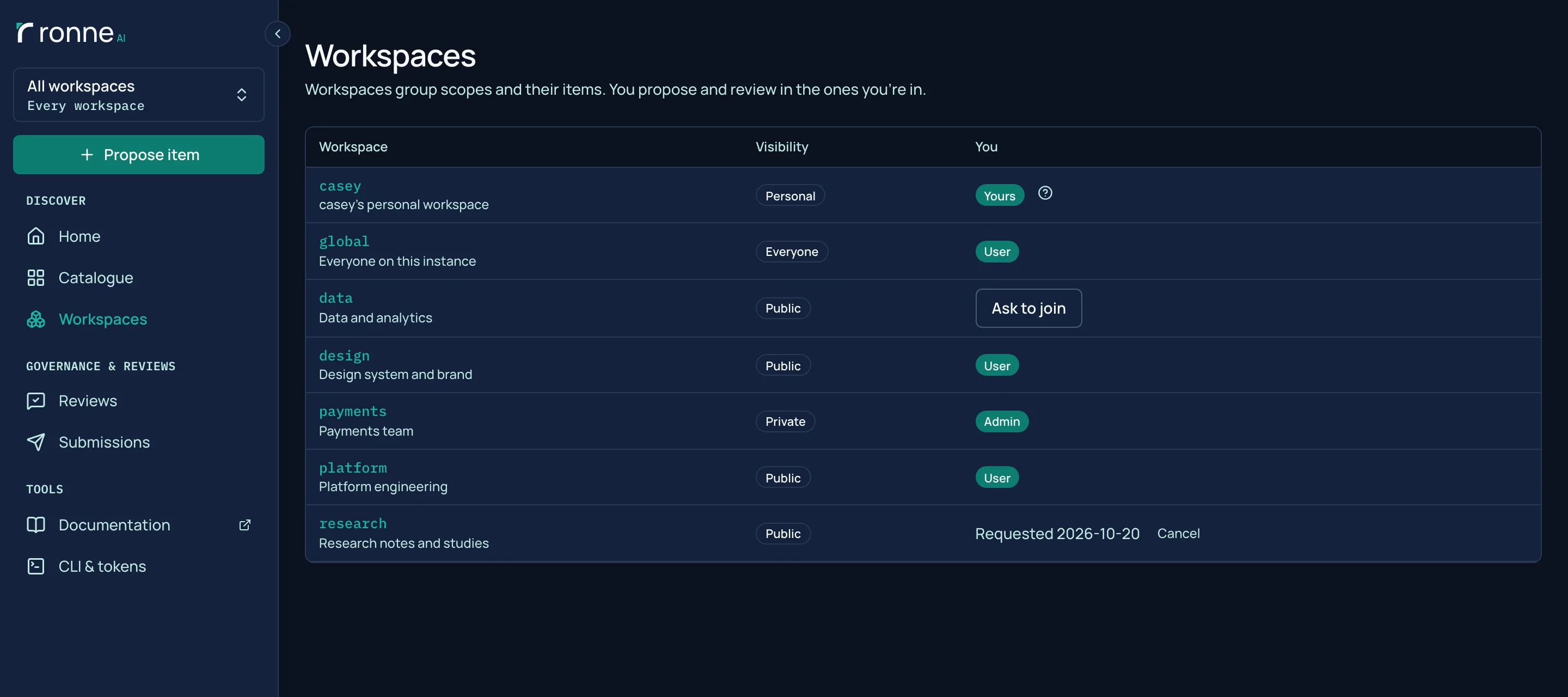
A workspace groups scopes and their items, with its own members and roles. The Workspaces page lists the ones you can see: public workspaces you can ask to join, private ones only if you are a member, and your own personal workspace, which only you and root can see. A private workspace and its items are seen only by its members and root.
Members and roles
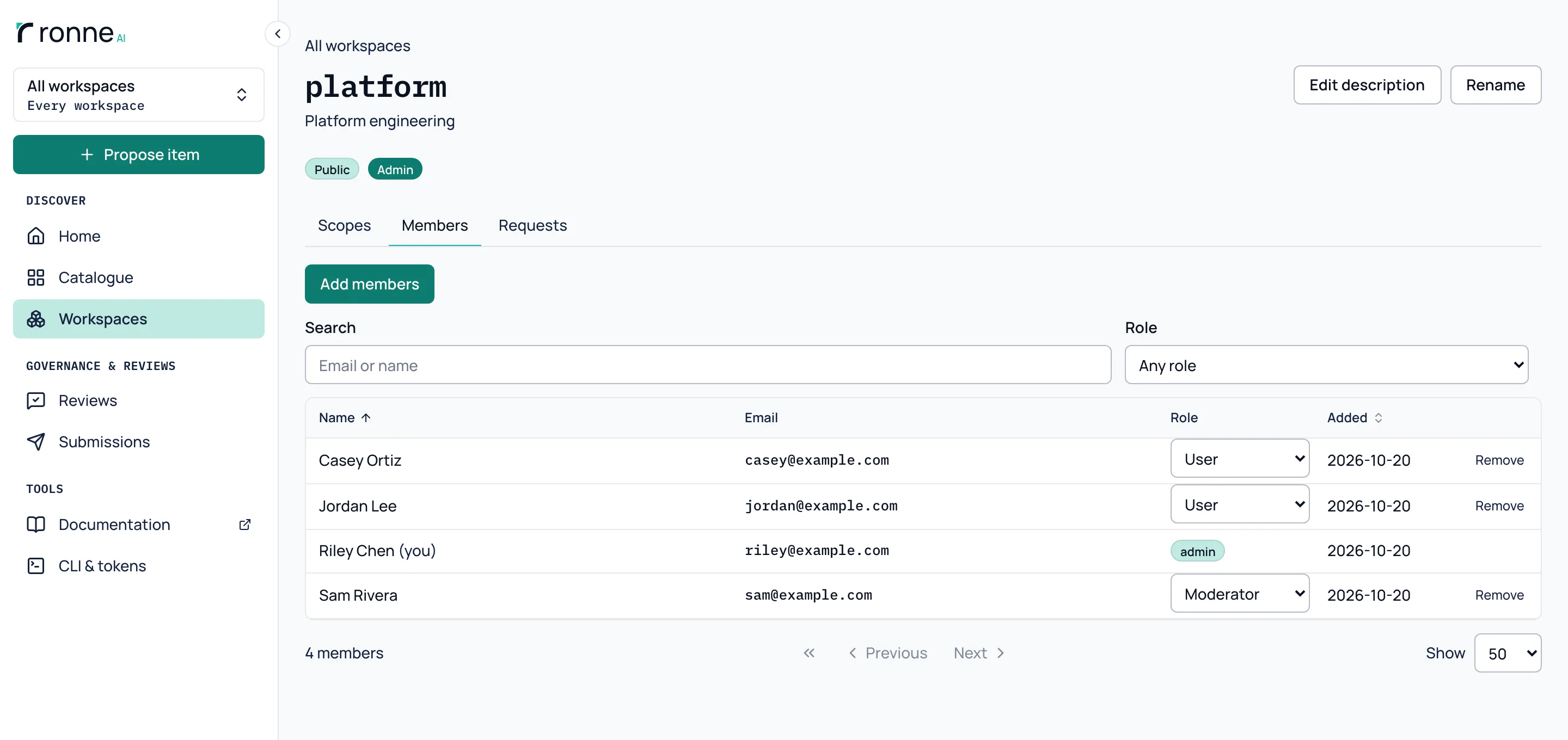
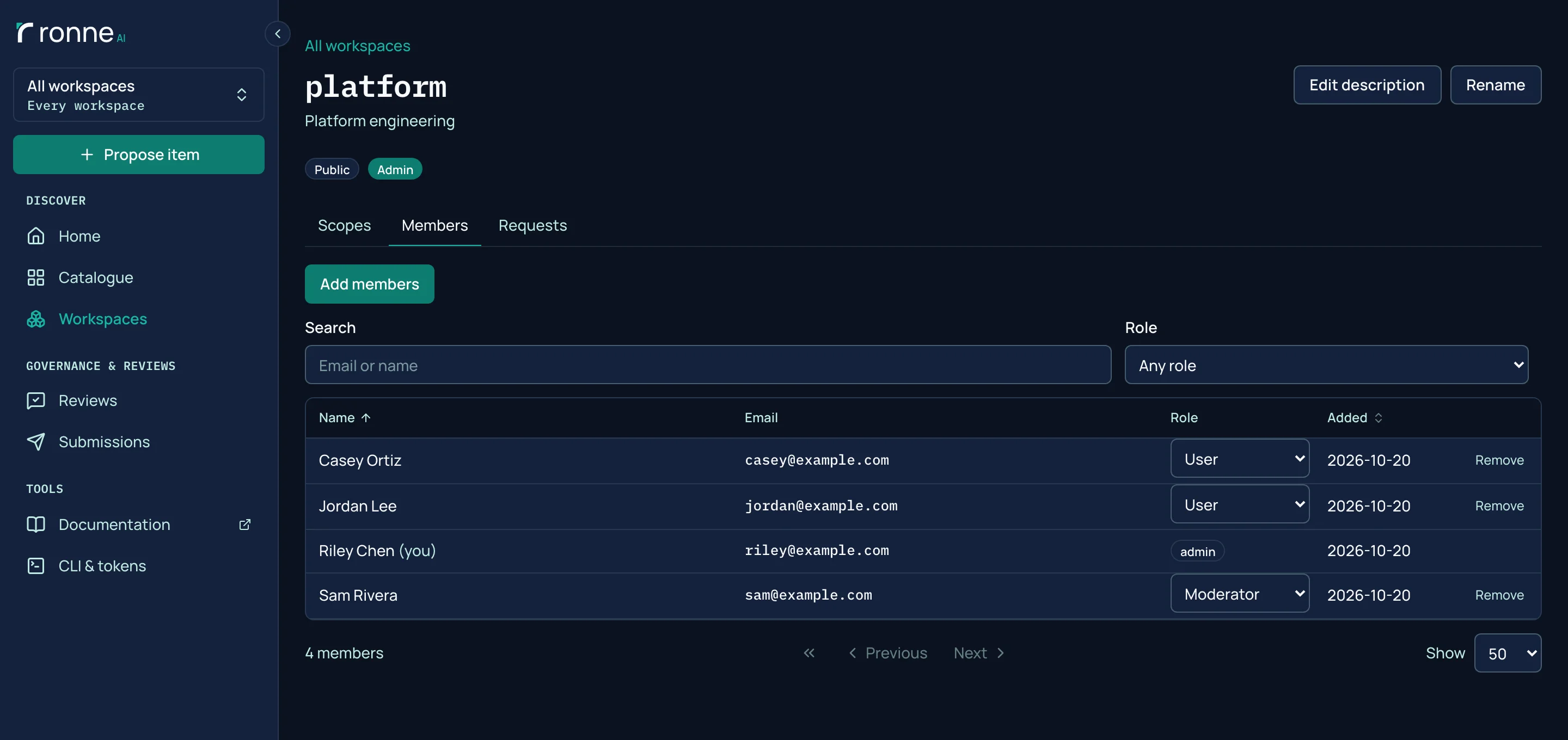
Root and a workspace's admins add members and give each a role: user, moderator or admin. Moderators review and release the workspace's items. Admins also manage its members, scopes and description. Anyone can ask to join a workspace, and its moderators and admins answer.
Want to try it? Run the Docker image, or read the code.