The marketplace, screen by screen
Screenshots of version 0.2.0, running on a new instance with the sample items from the repository. The people in them are sample accounts, and the usage counts are simulated.
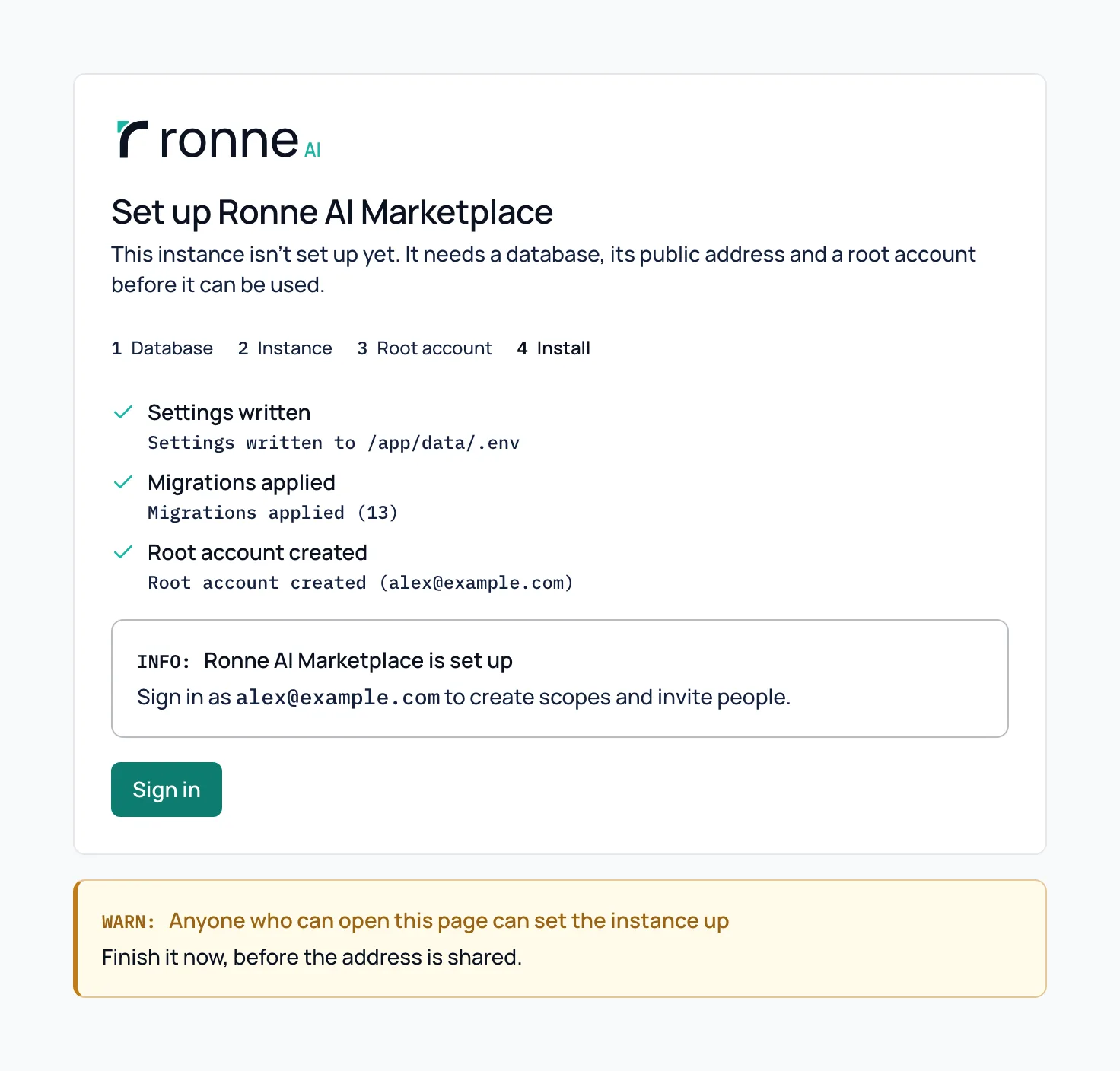
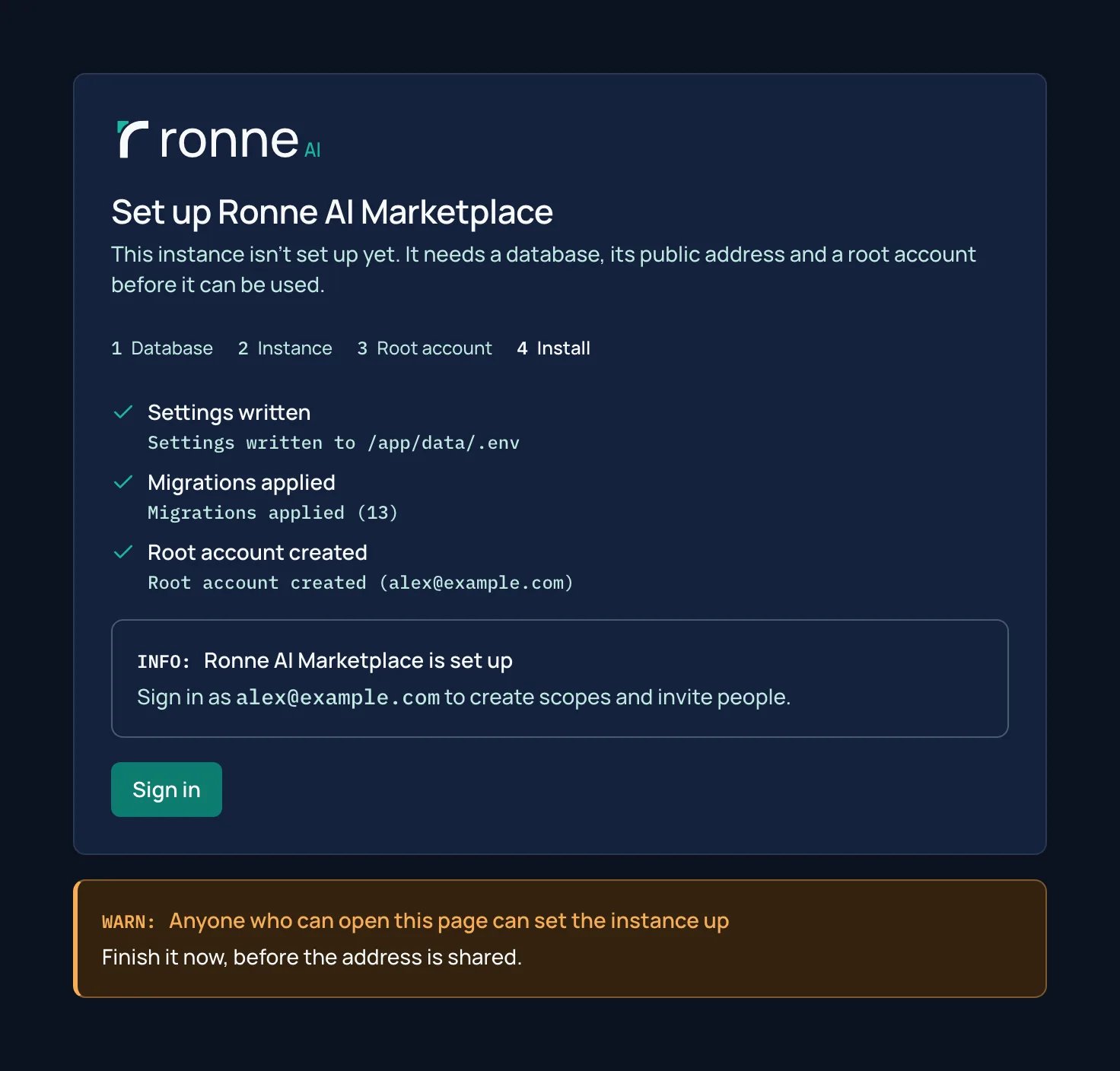
Set up in the browser
Open a new instance and the setup page asks for the database, the public address and the root account, checks the connection, and shows the installation as it runs. Nothing needs a restart. pnpm run setup does the same in a terminal.
The catalogue
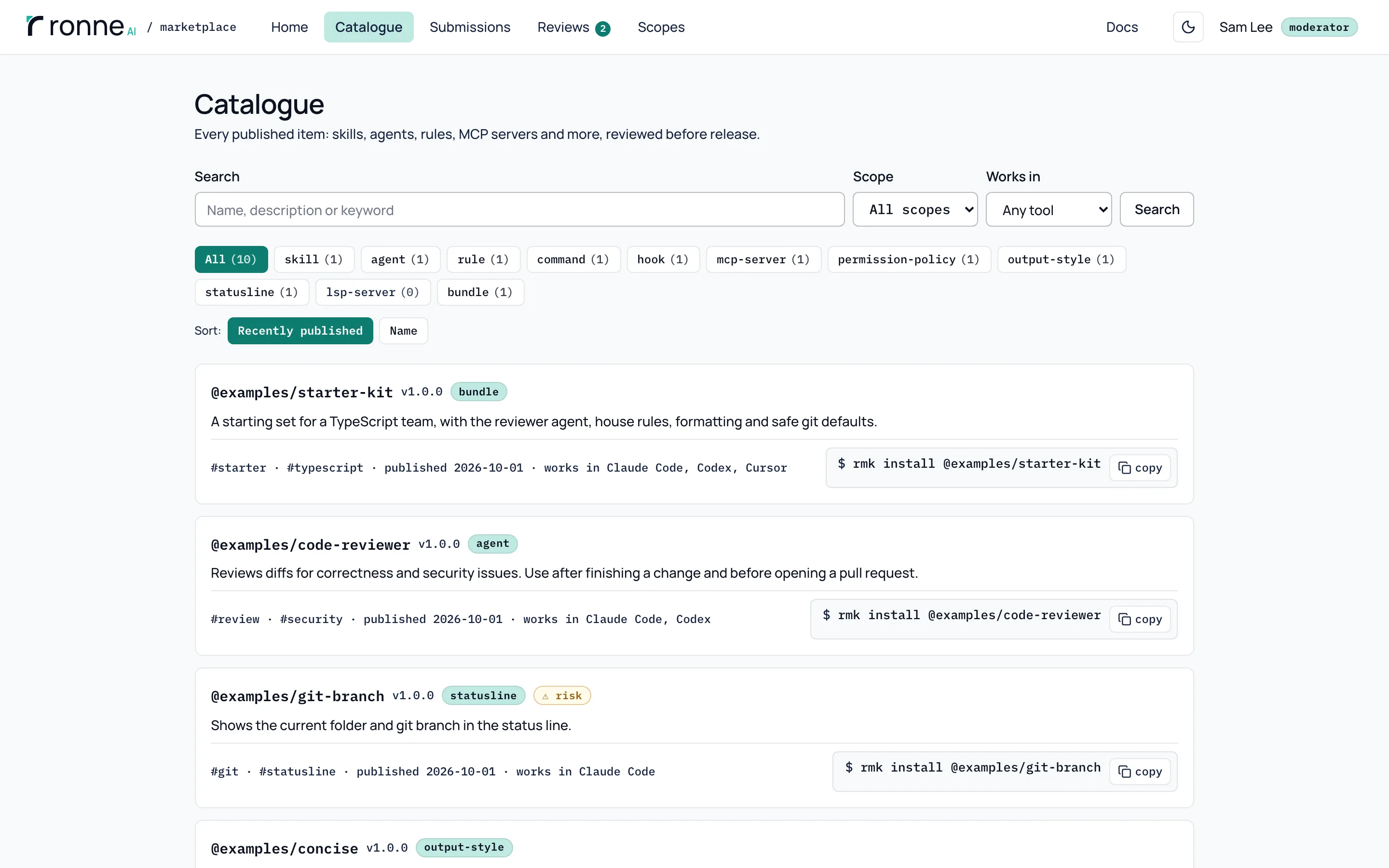
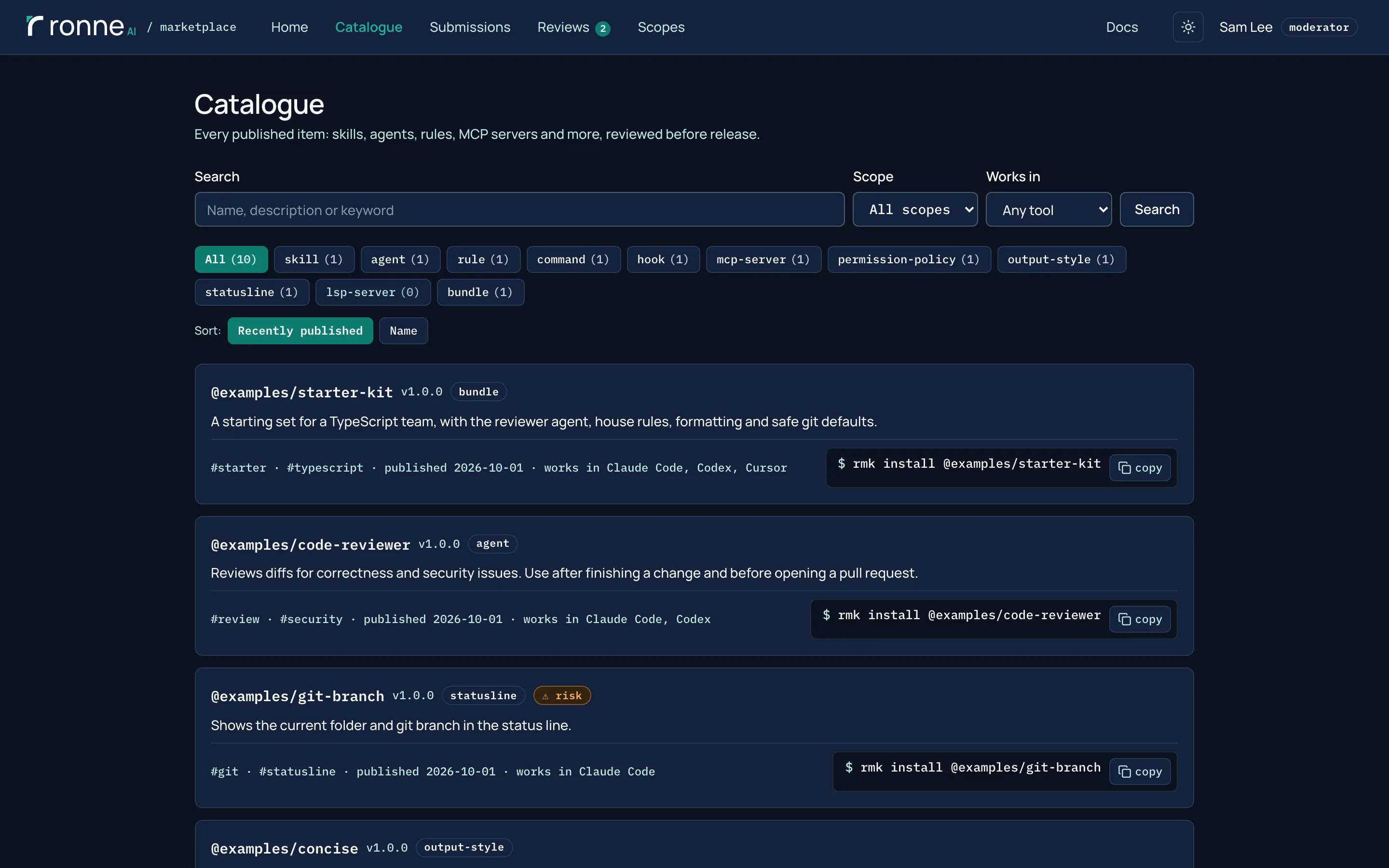
Every released item, with search, filters and the rmk install command for each one. Items that review flags as risky, such as hooks, permission policies and MCP servers, say so in the list.
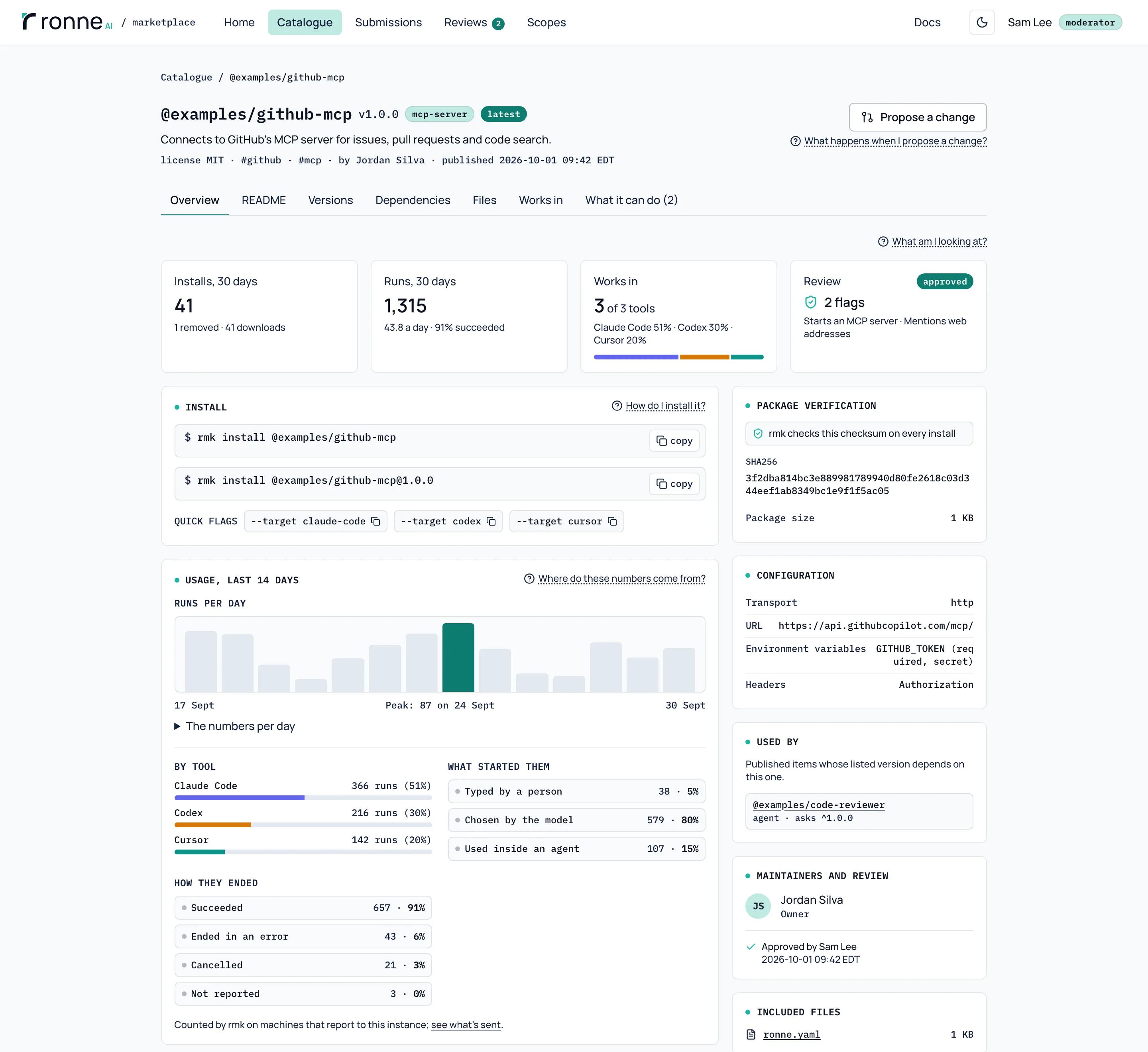
An item's page
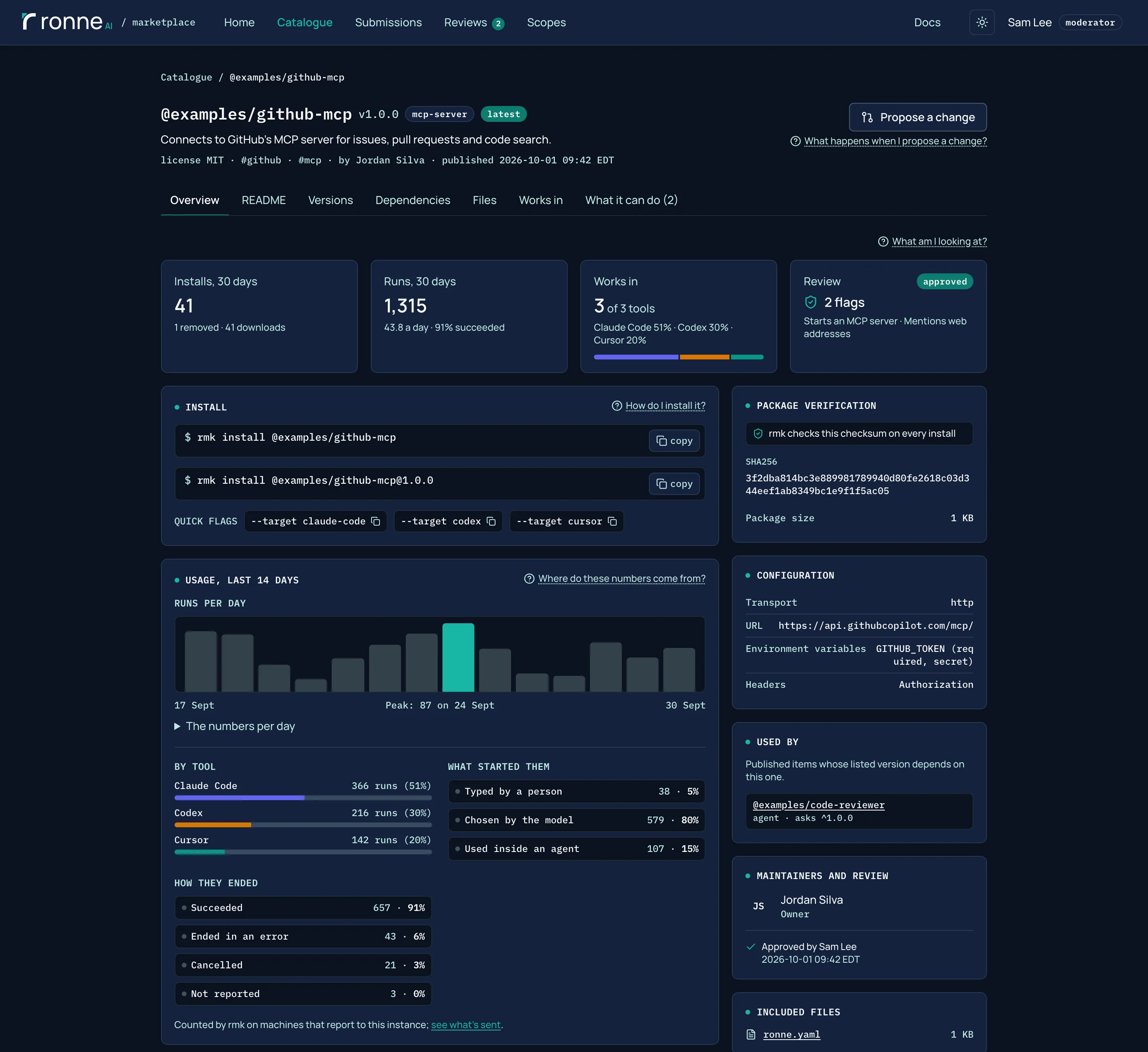
Installs and runs, the tools it works in and what review found, above the install commands and the package's sha256, which rmk checks on every install. When the instance collects usage counts, the page shows runs per day, by tool, by what started them and by how they ended. The counts in this screenshot are simulated.
What each tool gets
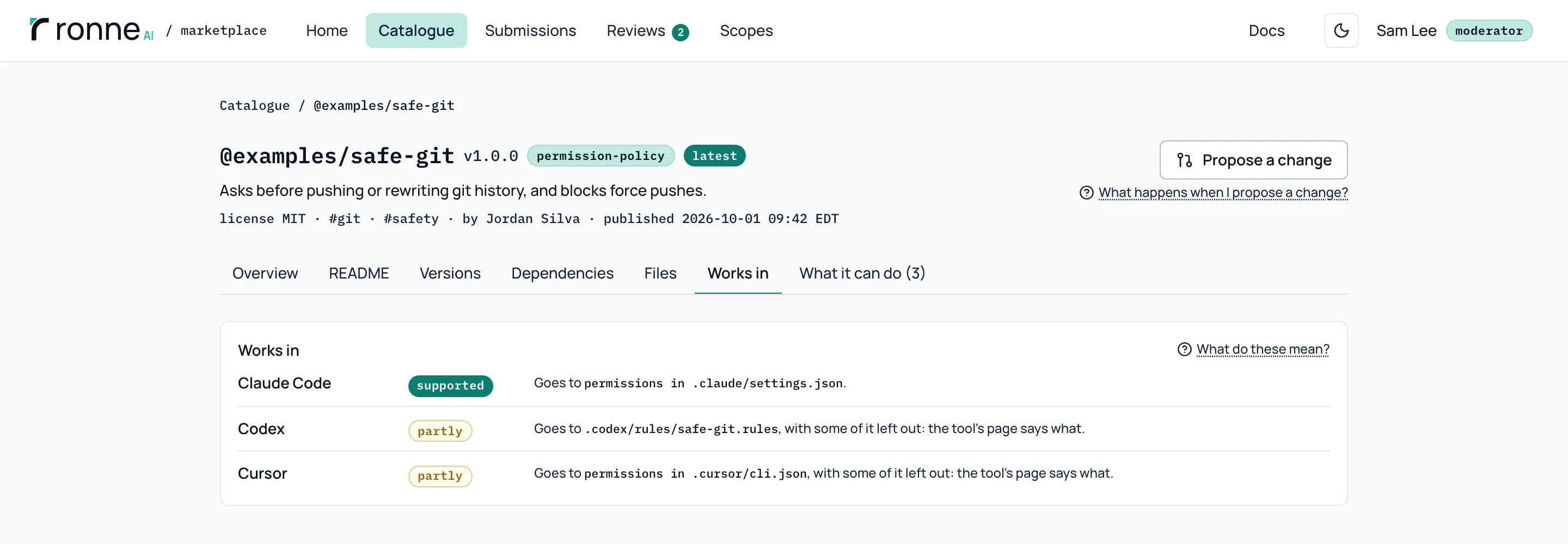
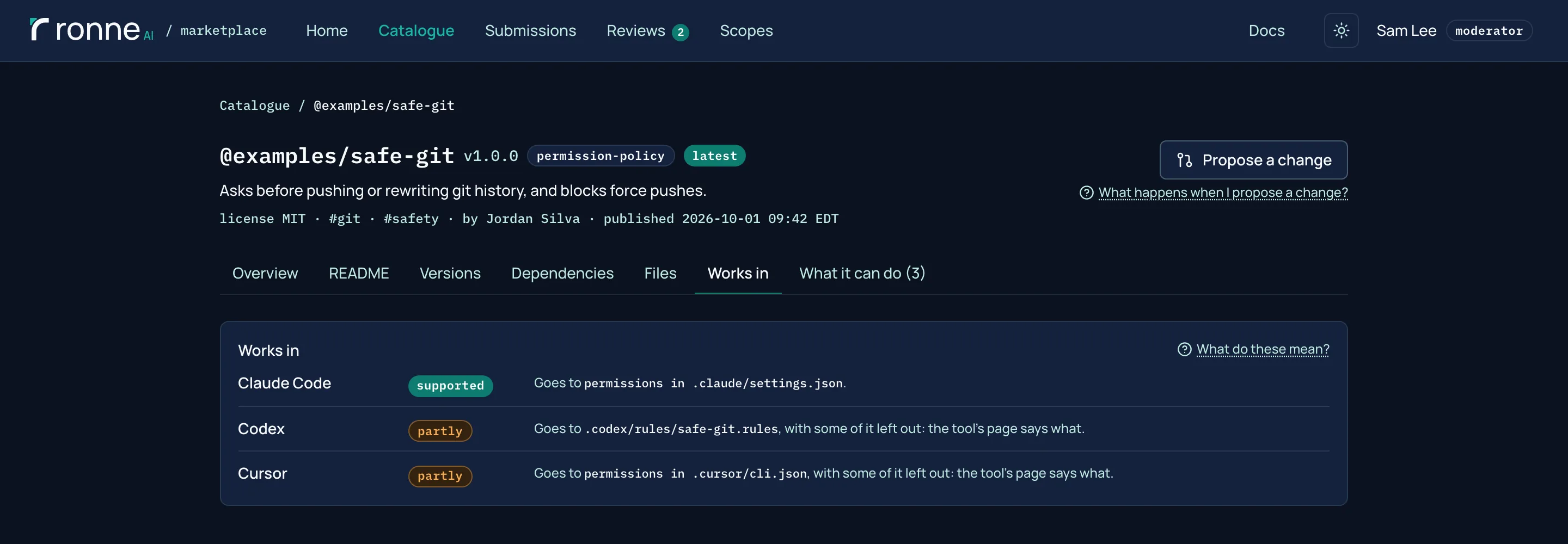
Each item says which tools it installs into, and how well. This permission policy is supported in Claude Code and partly in Codex and Cursor, which can't express all of its rules; rmk warns about what it leaves out.
Compose agents and bundles
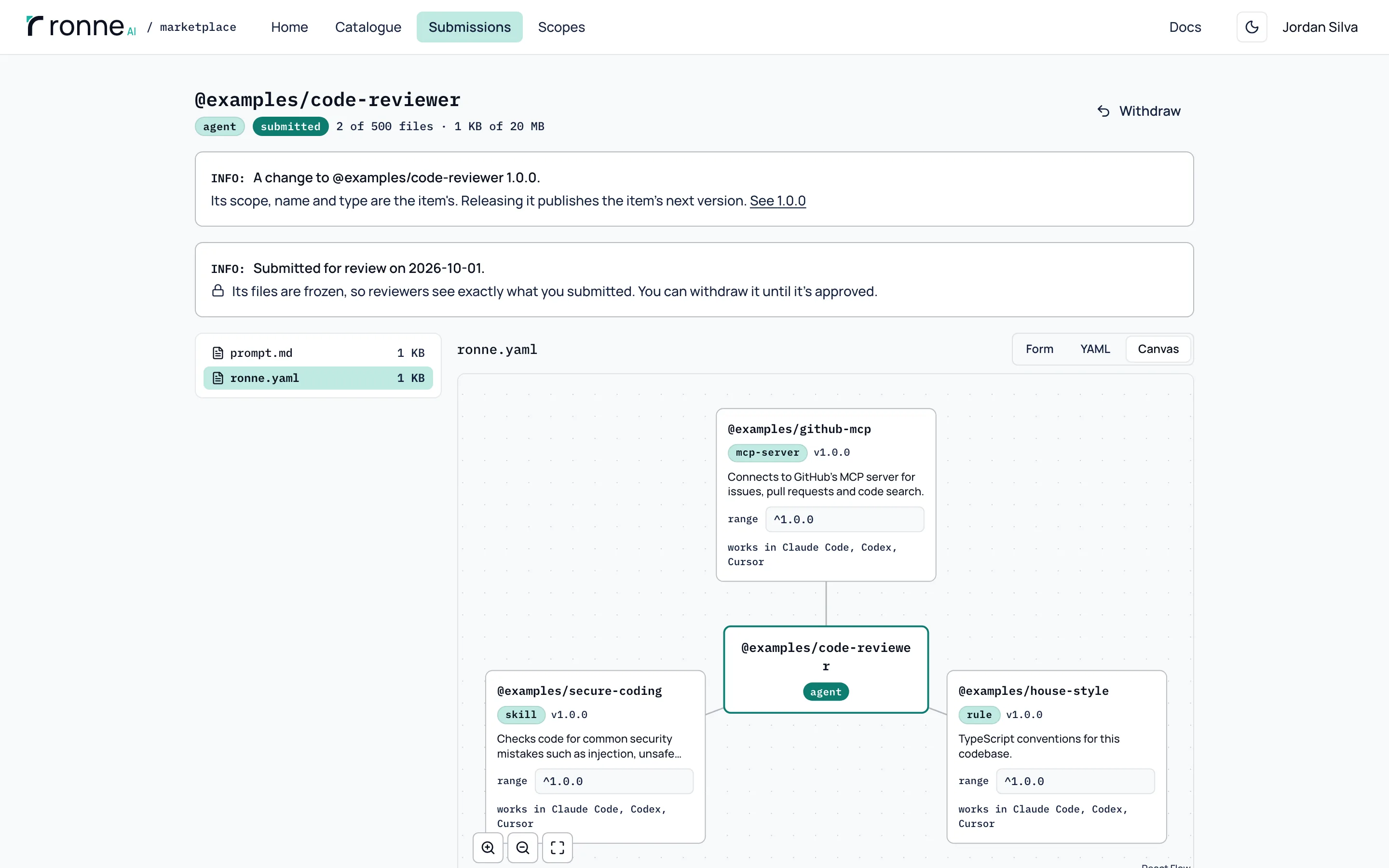
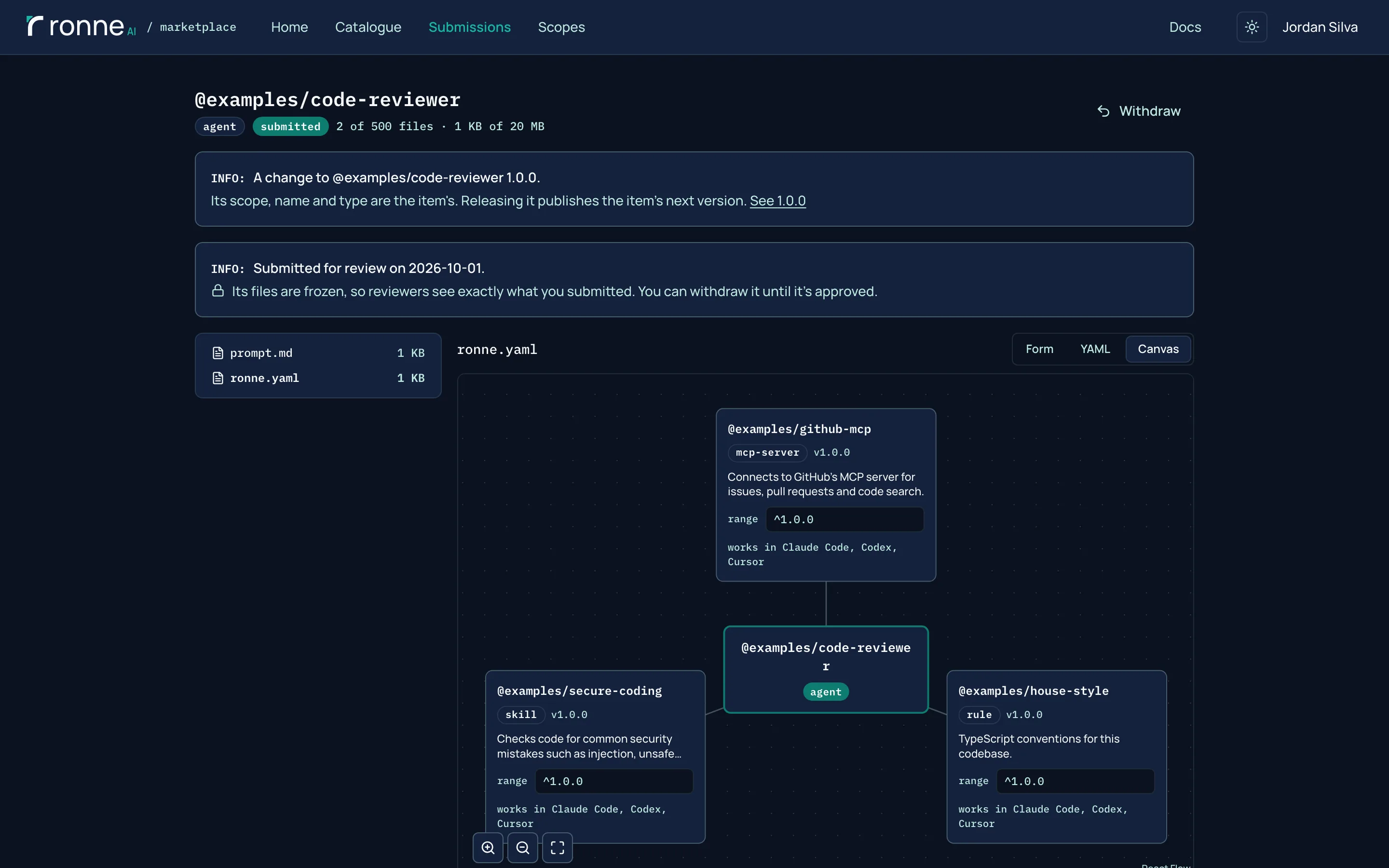
Agents and bundles have a Canvas view next to the form and the YAML. Pick the items they use from the catalogue and set each one's version range. The canvas only edits dependencies in ronne.yaml, so review still sees a plain diff.
Review a change
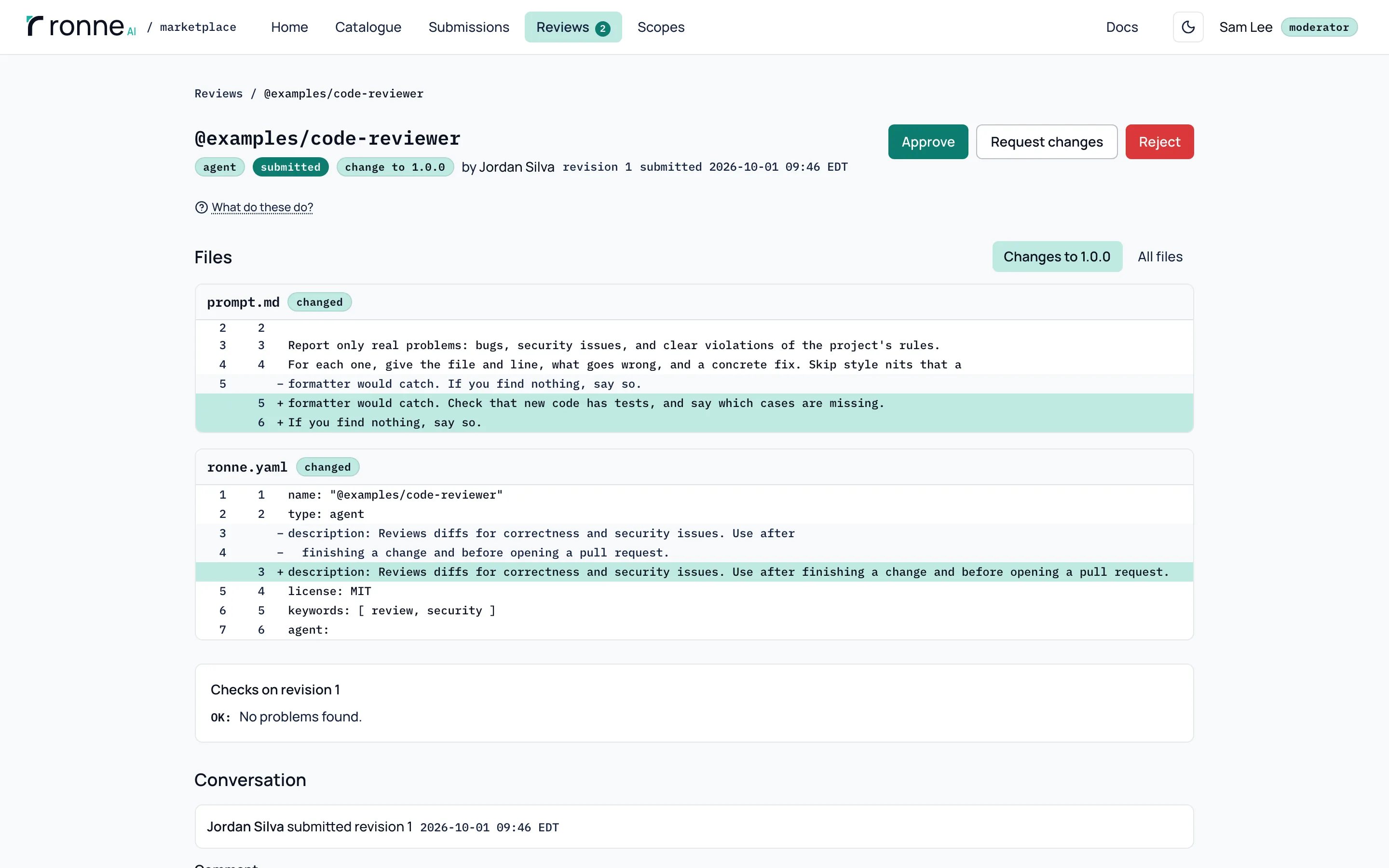
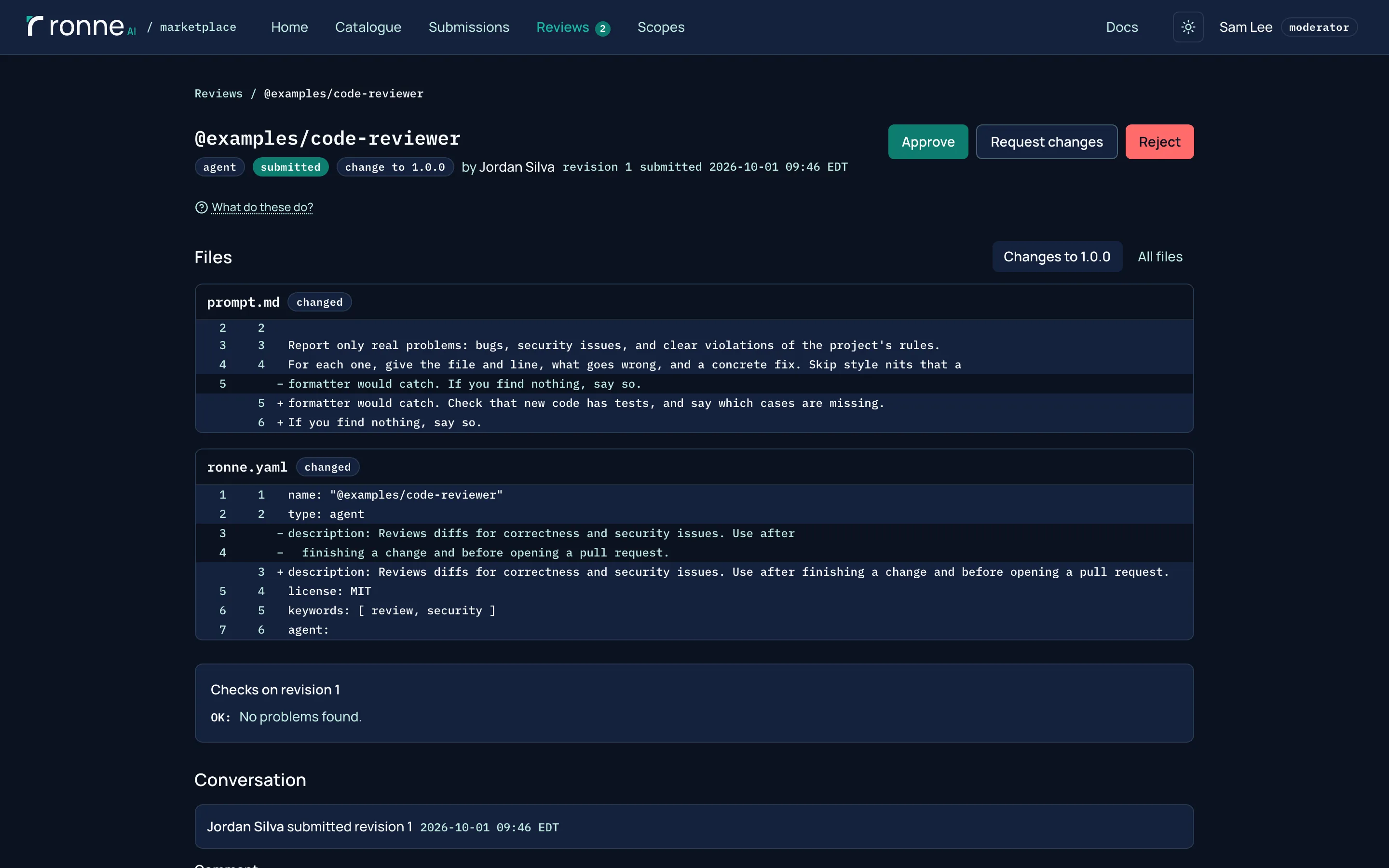
Moderators see what changed against the released version, the checks and the conversation, then approve, ask for changes or reject. This change came from rmk export: someone edited the installed agent in Codex and sent it back as a proposal.
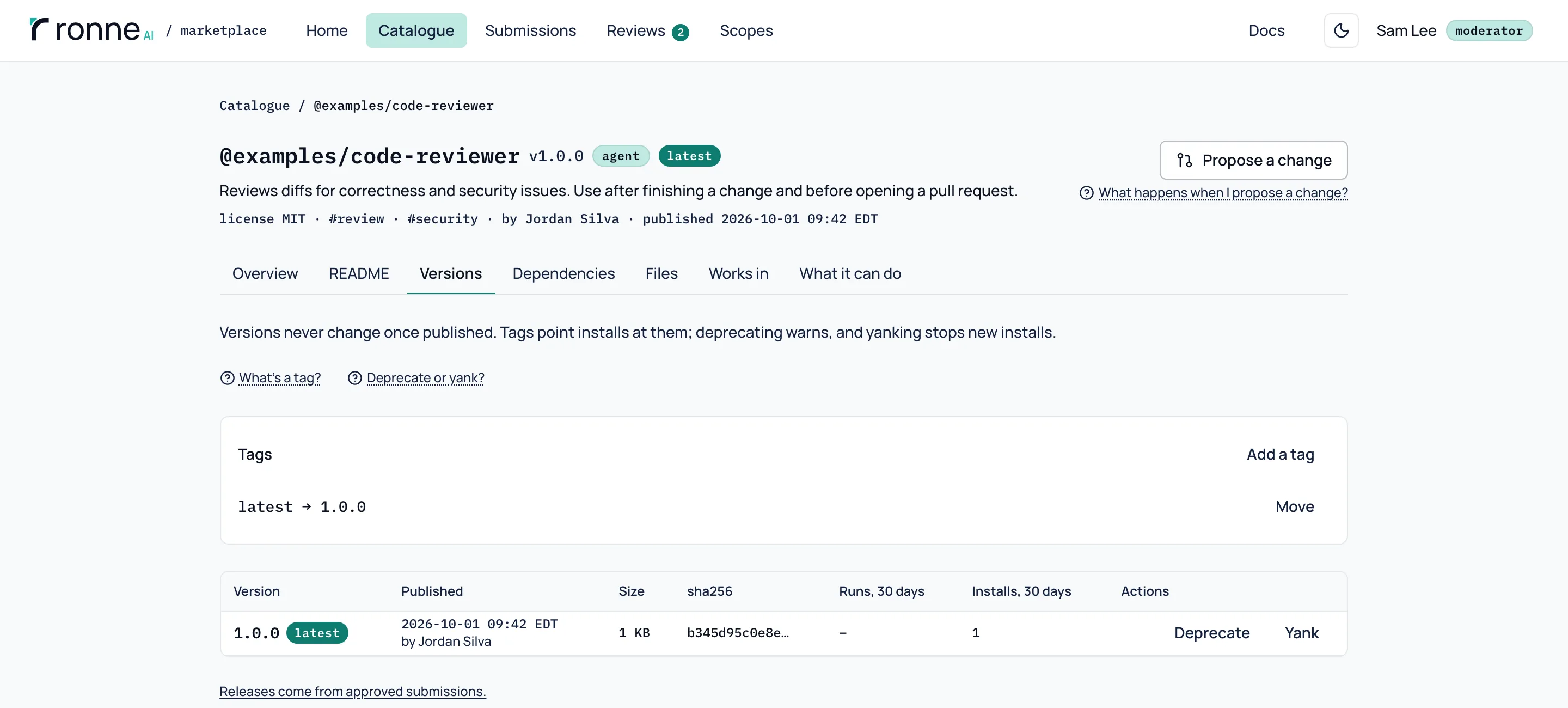
Versions
A release never changes once it's published. Tags such as latest point installs at a version, and a version can be deprecated (it still installs, with a warning) or yanked (new installs can't resolve it).
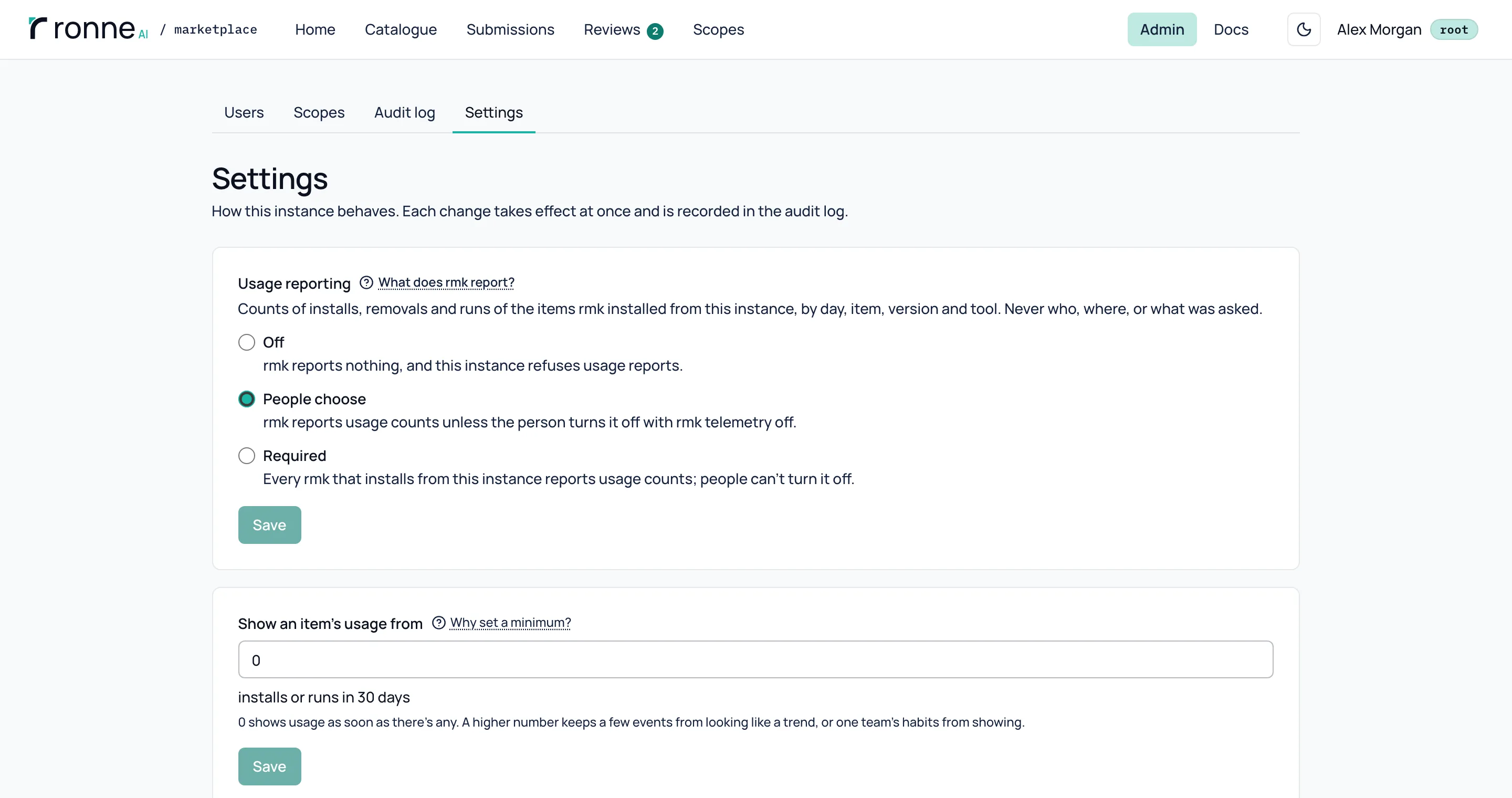
Usage counts, if root wants them
Root decides whether rmk and the MCP server report installs and runs: off (the default), people choose, or required. Only daily counts per item, version and tool are kept, for 90 days, never who ran what or where.
From your AI tool to the registry
rmk export sends a skill, agent, command, rule or MCP server you wrote for Claude Code, Codex or Cursor to the registry as a private draft. An installed item you edited goes back as a change proposal. This is the run that made the change in the review above:
$ rmk export code-reviewer --from codex --yes
@examples/code-reviewer: proposal from 1.0.0 created at http://localhost:3217/submissions/01M3VVAFNF958Q84S0RHXJNBNC. Once reviewed and approved, it's released as the item's next version.
Nothing is submitted: open each draft, check it, and submit it in the web app.Want to try it? Run the Docker image, or read the code.